Incorrect packaging setup is one of the most common reasons inventory numbers in SUPY do not match physical stock. This usually happens when the base unit, package quantity, or conversion values are set incorrectly during item creation.
Since SUPY relies on packaging to convert purchases, stock counts, and recipe consumption into a single base unit, any error at this level directly impacts inventory accuracy.
When packaging is configured incorrectly:
GRNs add more or less stock than expected
Stock counts show unrealistic quantities or values
Recipe consumption does not reflect actual usage
Variance increases even when operations are correct
Teams lose confidence in inventory data
The system is functioning correctly — the setup is not.
You may notice:
Receiving 1 case/carton adds an unexpectedly high or low quantity
Stock balances change drastically after counting by pack or case
The same item shows inconsistent quantities depending on the unit used
Repeated variance on the same item every period
Store teams are unsure which unit they should receive or count in
In SUPY:
Every item has one base unit
All inventory movements are converted into this base unit
Packaging defines how much quantity enters inventory
Common causes include:
Selecting the wrong base unit (e.g. piece instead of kg)
Incorrect “quantity in package” values
Multiple packages with inconsistent conversions
Packaging units that do not align with how the item is used in recipes
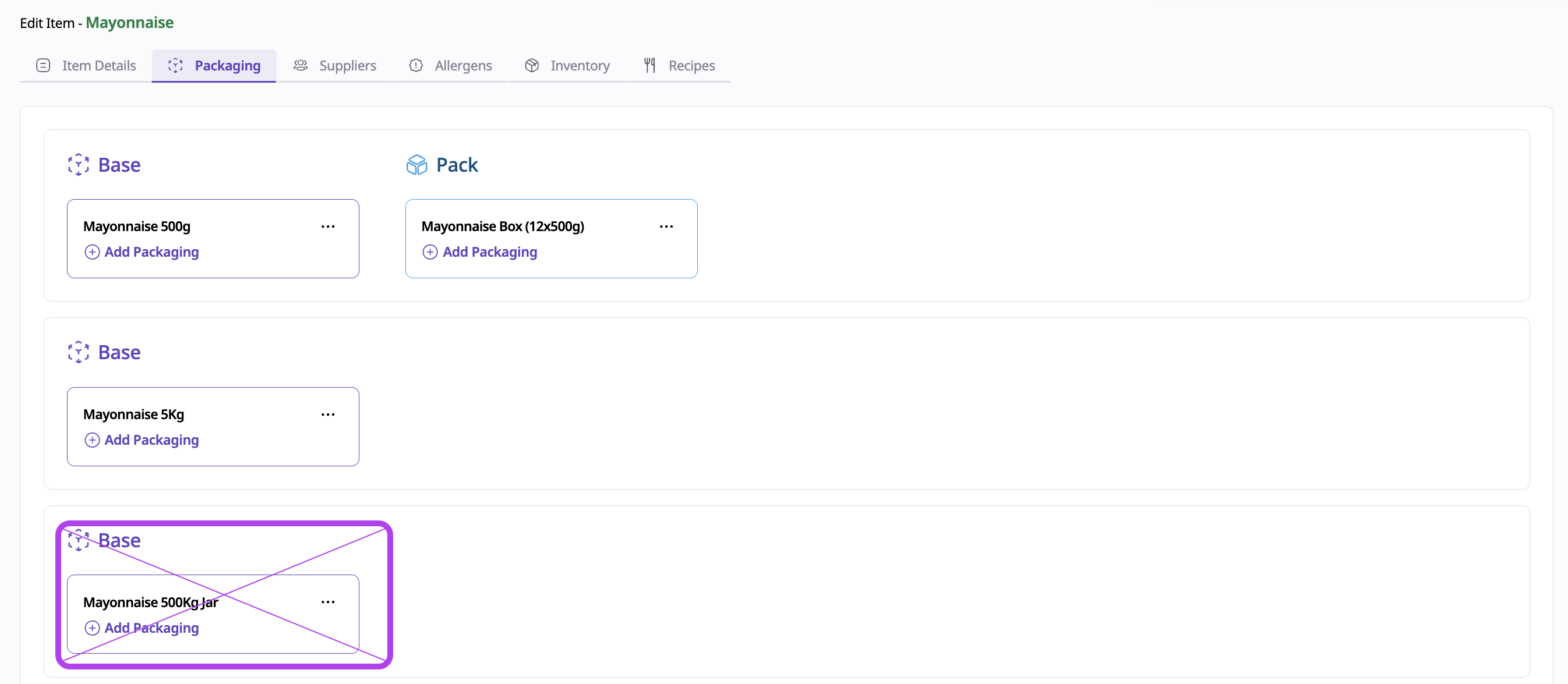
(The packaging of Mayonnaise 500Kg Jar is wrong)
SUPY follows the configuration exactly, so incorrect packaging leads to incorrect inventory results.
Always follow these setup rules:
Define the base unit first
Choose the unit that matches recipe usage (kg, liter, piece)
Create supplier packages based on reality
Use actual supplier invoice quantities
Example: 1 carton = 12 bottles
Example: 1 bottle = 1 kg
Keep packaging simple
Avoid unnecessary unit layers
Use the fewest possible conversions
Align packaging with recipes
Recipes in grams → base unit should be kg
Recipes in pieces → base unit should be piece
Go to Repository → Items
Open the affected item
Review:
Base unit
All packaging and conversion values
Correct incorrect units or quantities
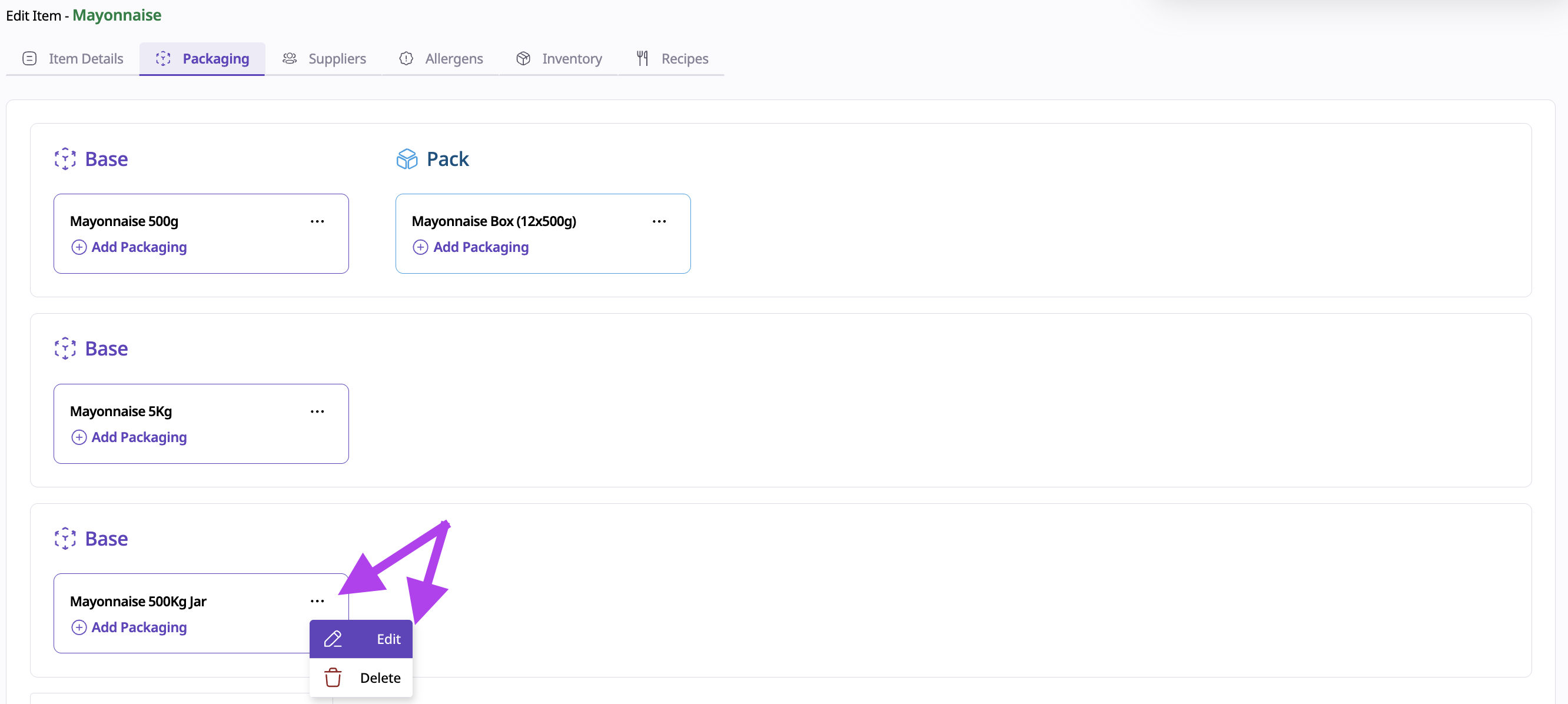
(Click the three dots to edit the wrong packaging)
Inform store teams of the correct unit to use
Monitor the next GRN and stock count for accuracy

If teams frequently ask:
“Should I count this by box, piece, or kg?”
This usually indicates that packaging is unclear or overcomplicated. Simplifying packaging improves both accuracy and user adoption.
Correct packaging ensures:
Accurate receiving and stock counts
Correct recipe depletion
Reliable COGS and variance reporting
Confidence in inventory data across all locations
Packaging is the foundation of how physical stock is translated into SUPY.
Related Articles