To create wastages in Supy, you have to go to the “Inventory” section and then select “Wastage” on the top right of the page.
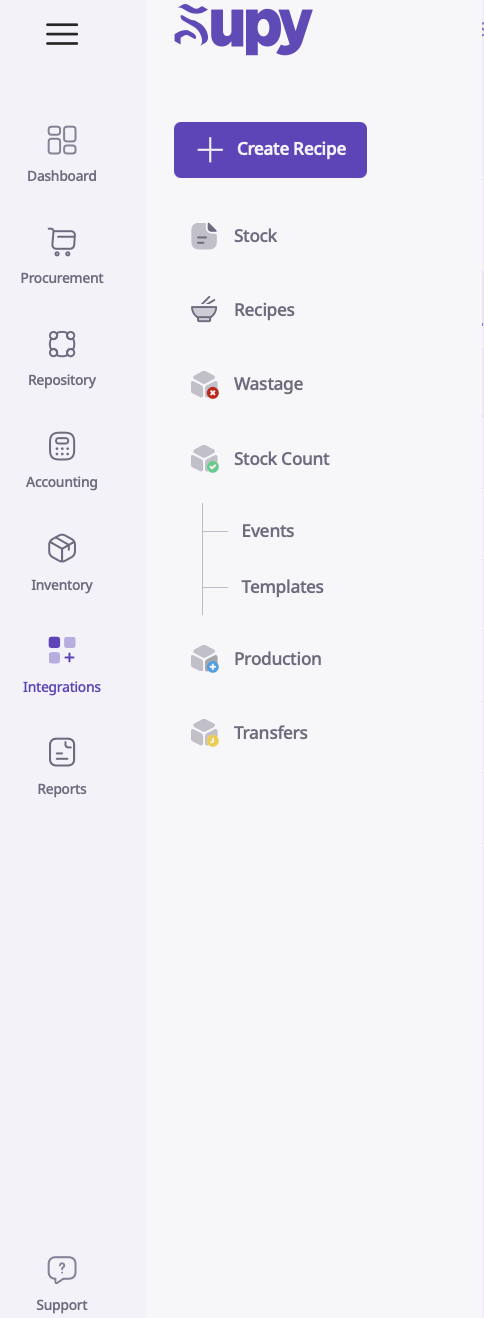
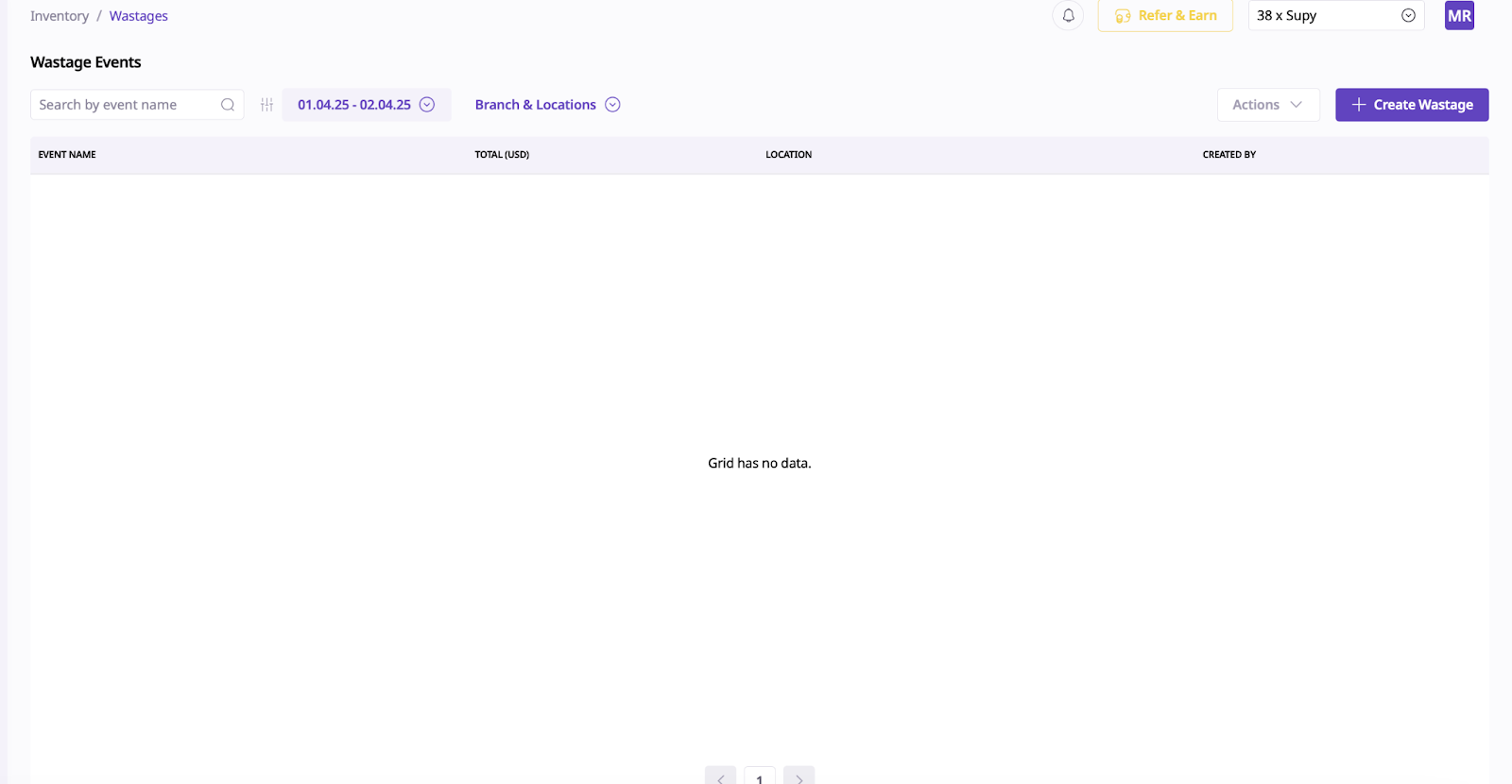
On the pop up drawer, select “Create Wastage”.
Over here, select the relevant information such as the relevant location, the event name and the event date. If needed, you can attach documents related to the wastage event by selecting the “Upload Media” section.
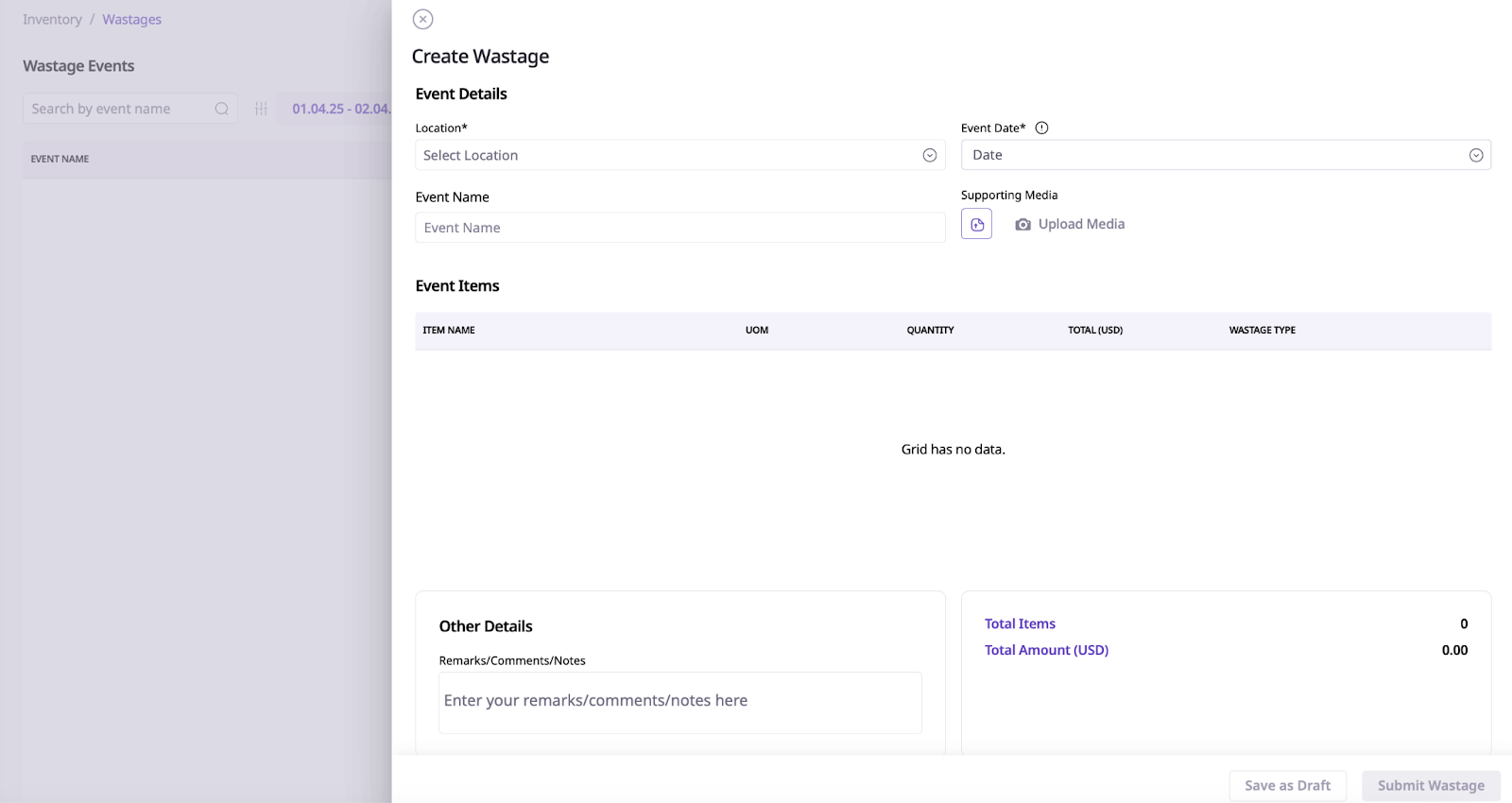
You then have to search for the item in the “Event Items” section. Input the quantity of the item that has been wasted.
Next, you select the “Wastage Type” that was set up during your accounts creation.
Lastly, you can also add notes in the "Other Details” section.
Next, you can submit for approval or submit to deplete the wastage stock.
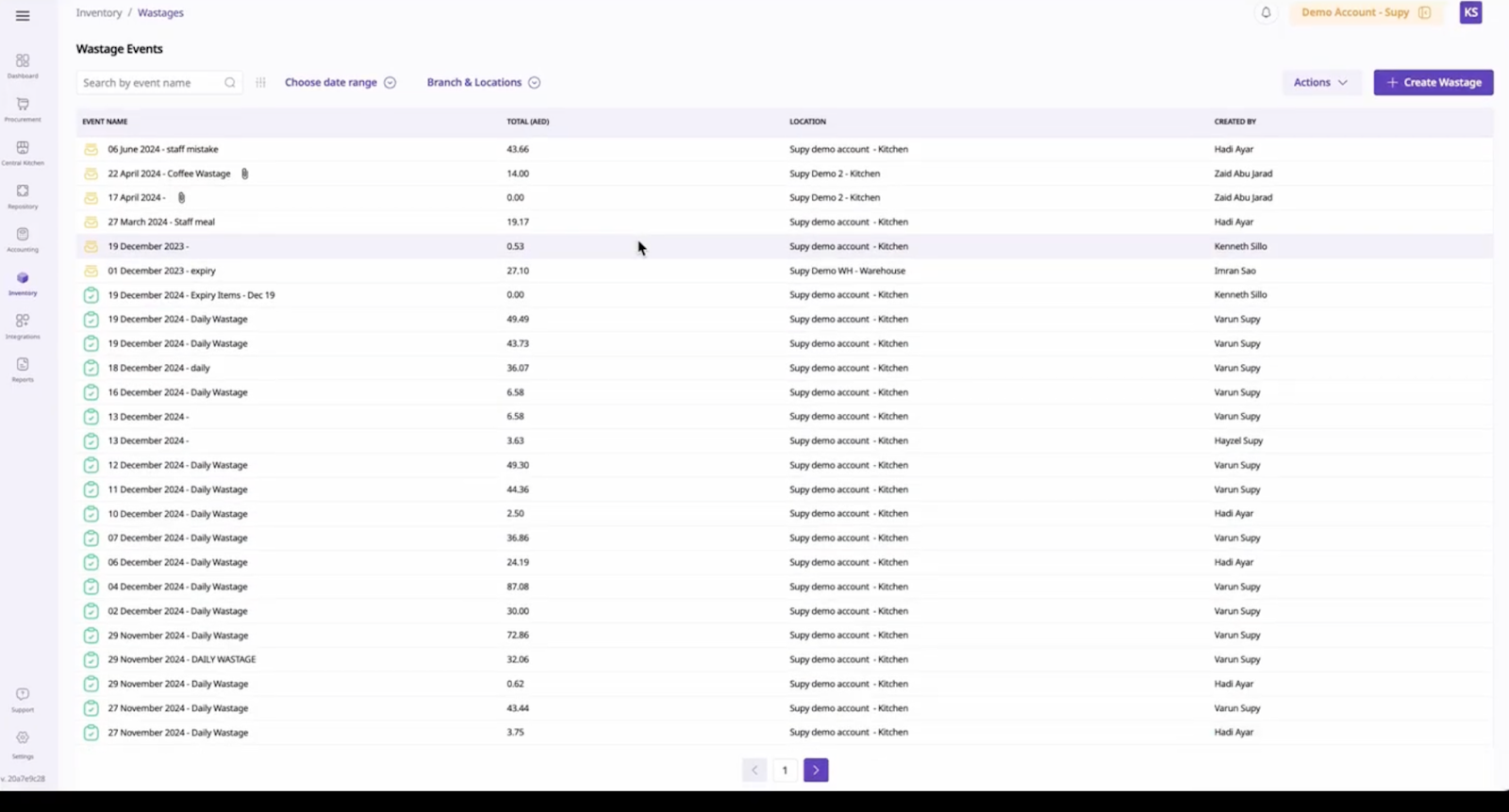
You will then be able to see the wasted items in the green icon. Drafted wastages will be at the top with the yellow icon.