Restaurant procurement is a critical process that involves sourcing, purchasing, and managing supplies for a food service establishment. Effective procurement strategies can significantly impact a restaurant's profitability, operational efficiency, and overall success. In today's dynamic culinary landscape, it's essential for restaurant managers and owners to implement streamlined procurement processes that leverage technology and best practices.
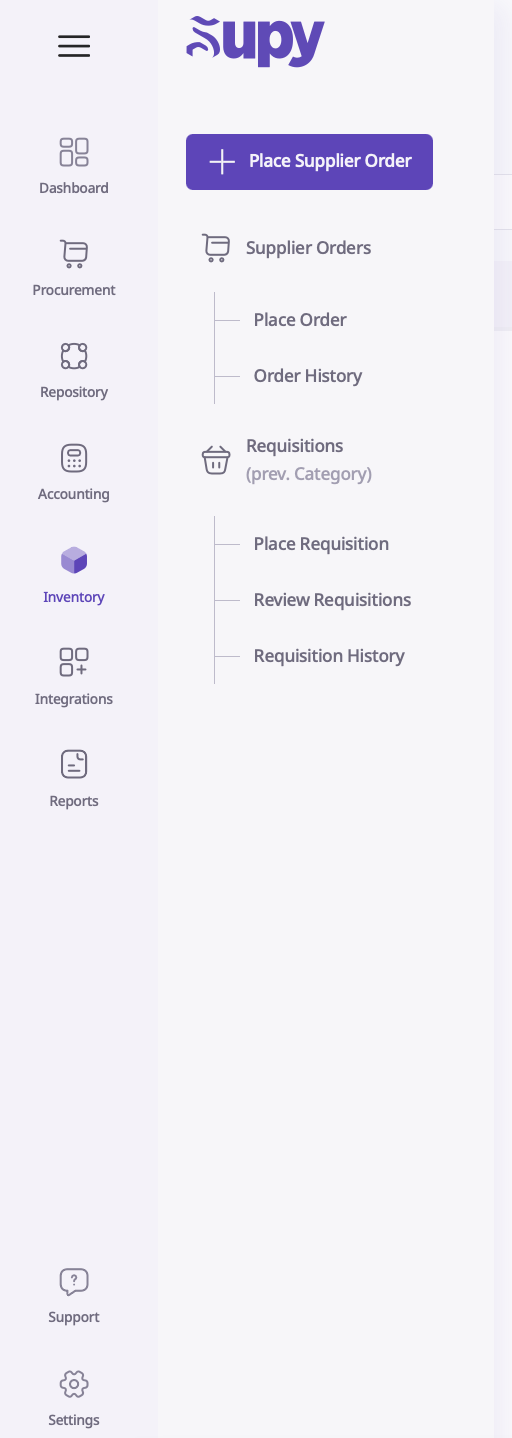
To place an order, click on “Procurement” and in the top left, click on “Place Order”.
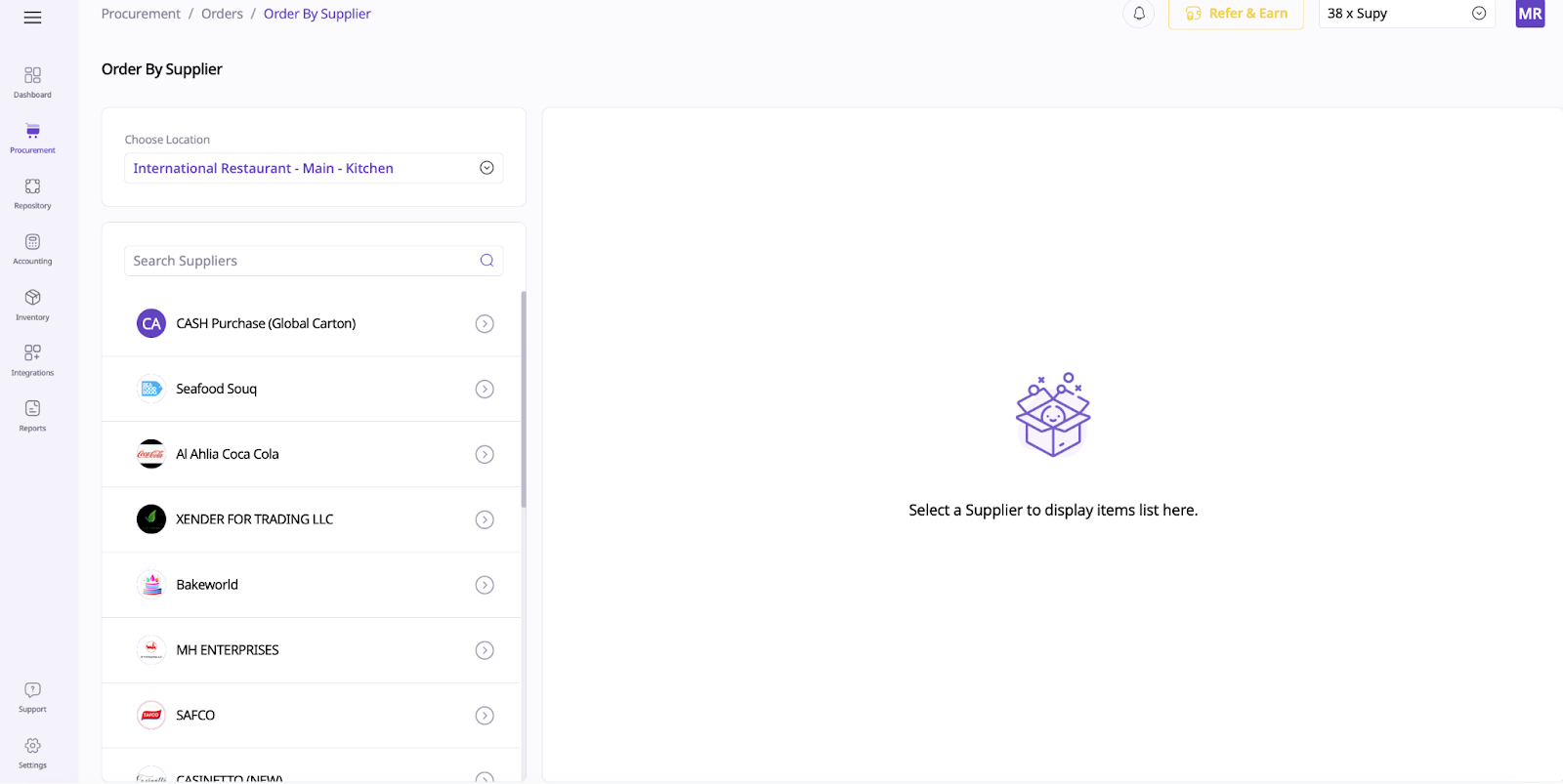
This will redirect you to the list of items and suppliers. You can choose a location here too.
To order from a specific supplier, click on the supplier name and then click the items and how many you want to order.
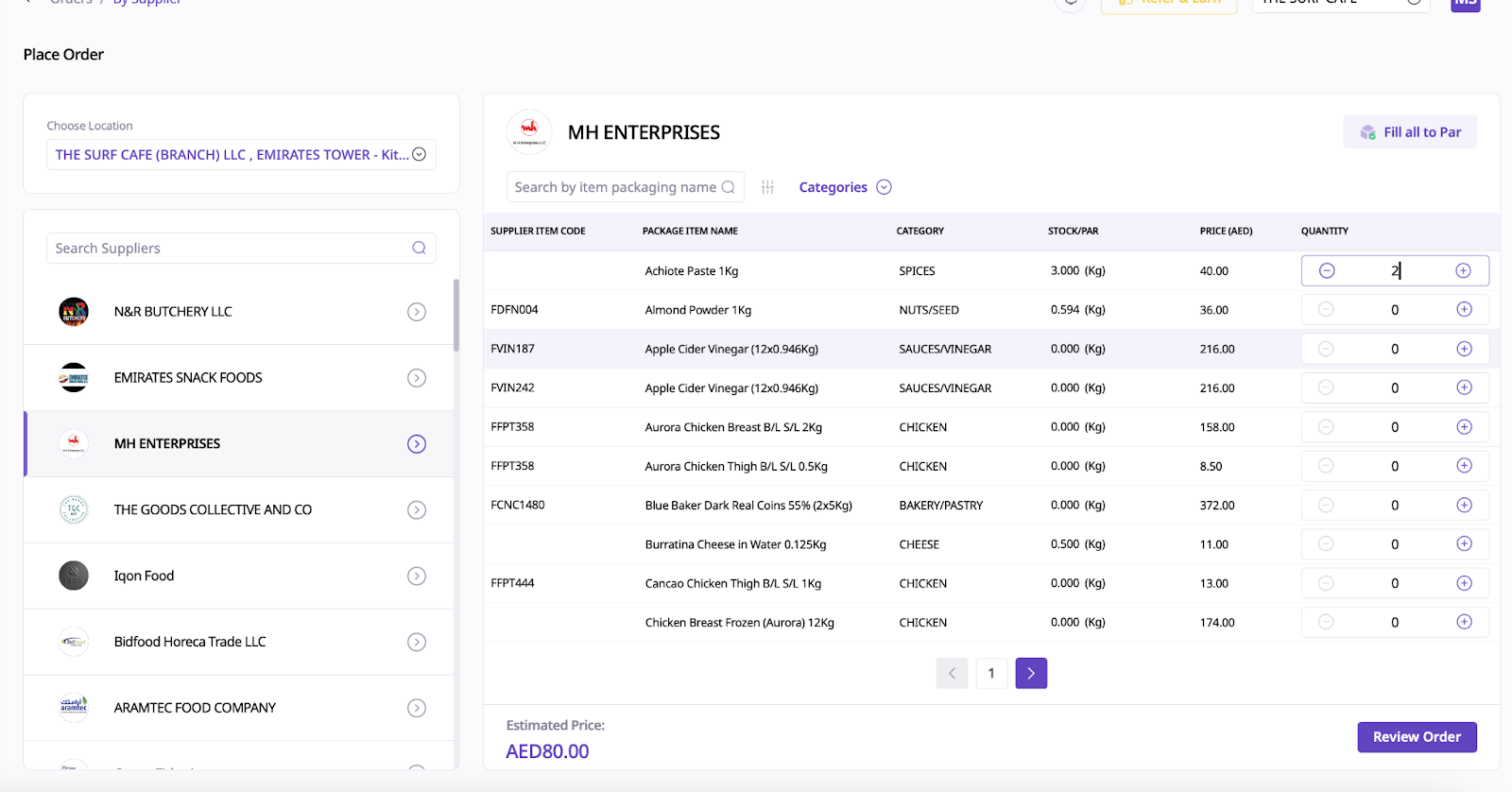
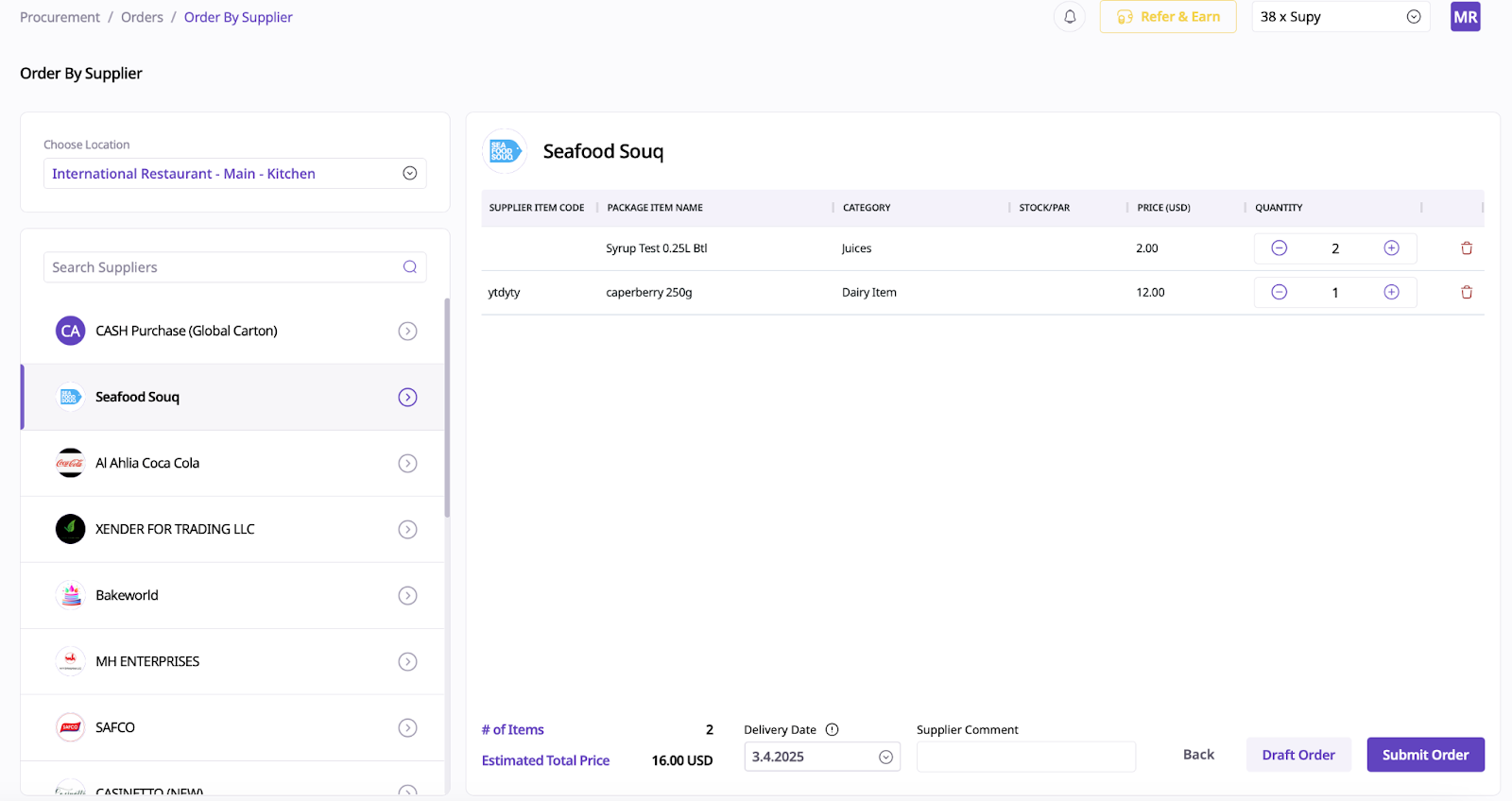
Once you are done with this step, you can click on the “Review Order” button on the bottom right. From here, you can change the quantities, remove any items you do not need or change your supplier.
You can also add comments and change the delivery date too. If you draft an order, it will not be submitted to the supplier, it will be saved onto the system until someone submits the order to the supplier. To submit the order, click onto the bottom right of the button after you click the drafted item.