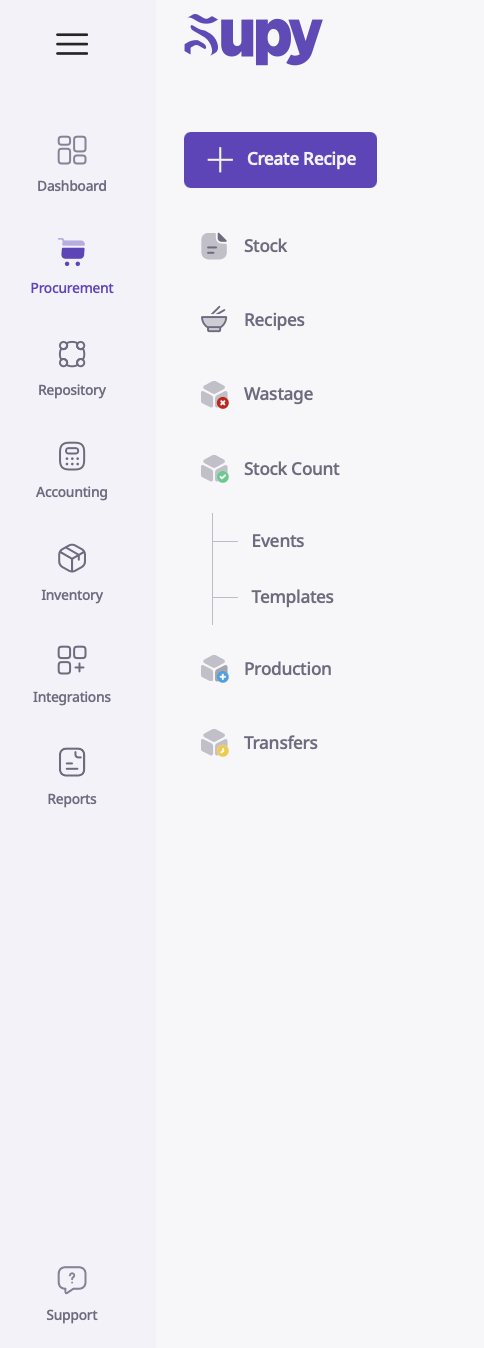
Once you open up your Supy portal, navigate to the Inventory module. From here, click ‘Transfers’.
At the top, you will see the “Create Transfer” option.
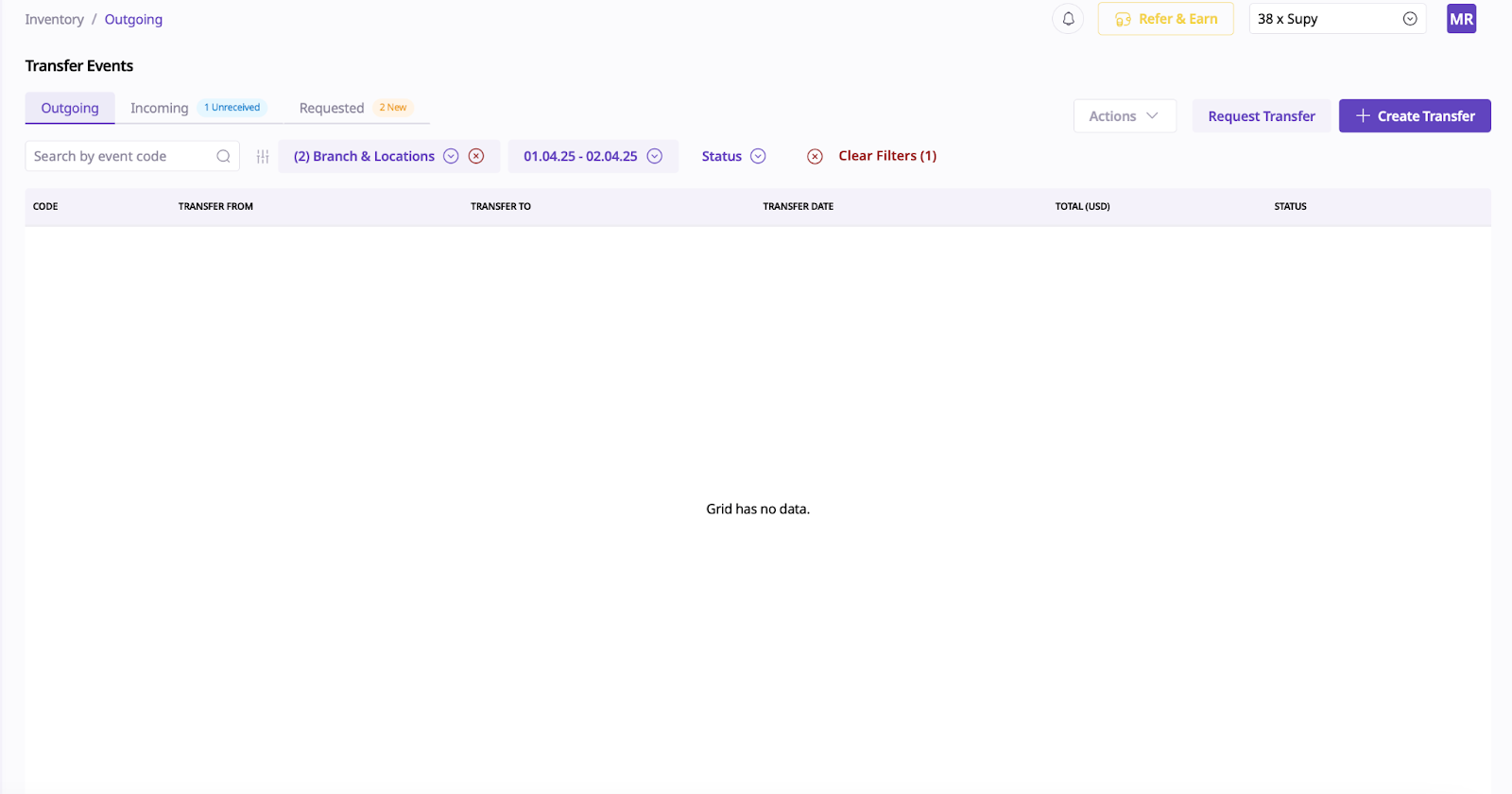
3. From here, you will also see outgoing and incoming, unreceived and requested transfers in the top left corner.
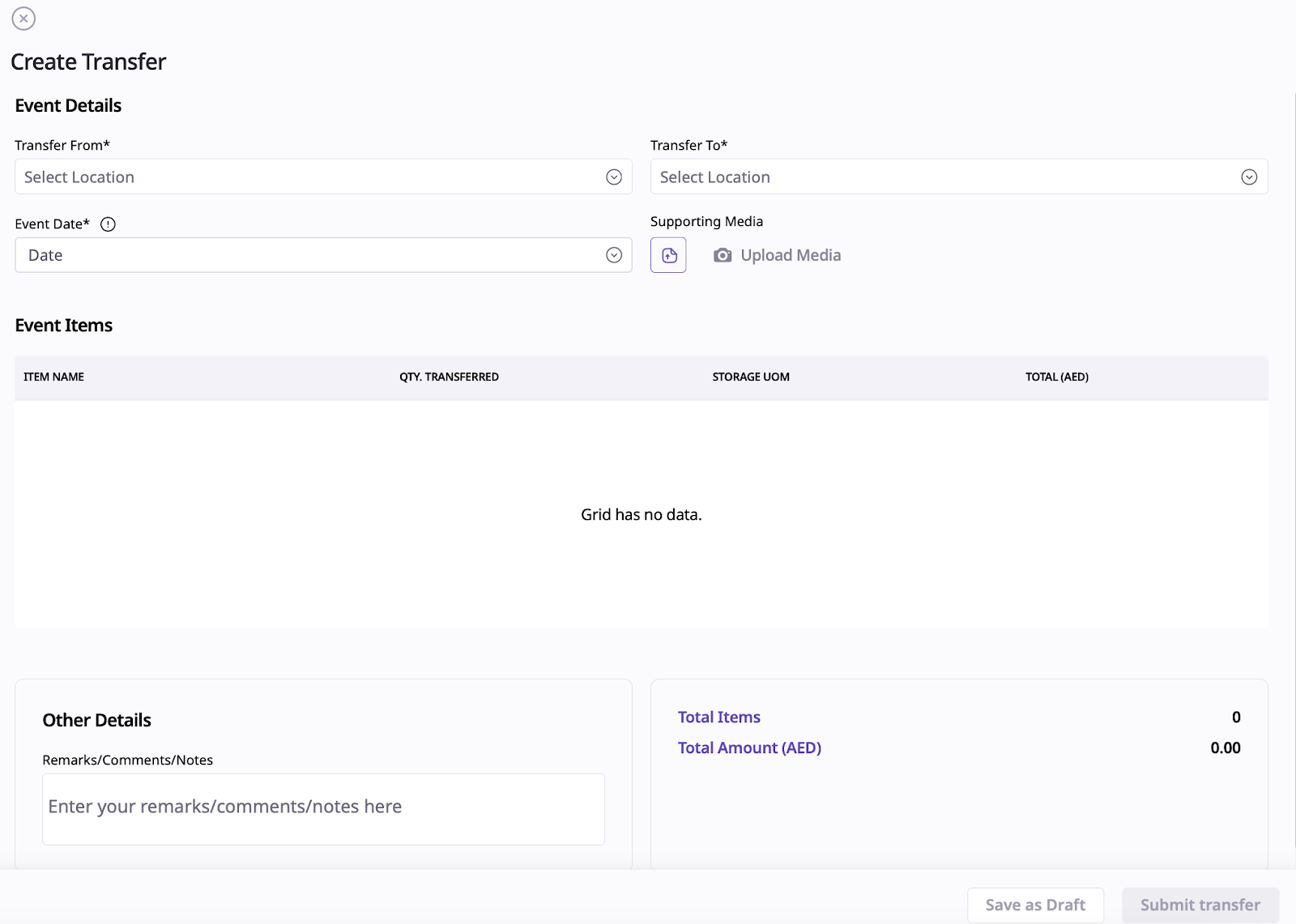
4. In order to create a transfer, you will need to select the “Create Transfer” option which will show up like this:
5. In order to receive a transfer, you select “Incoming” and it shows up like this:
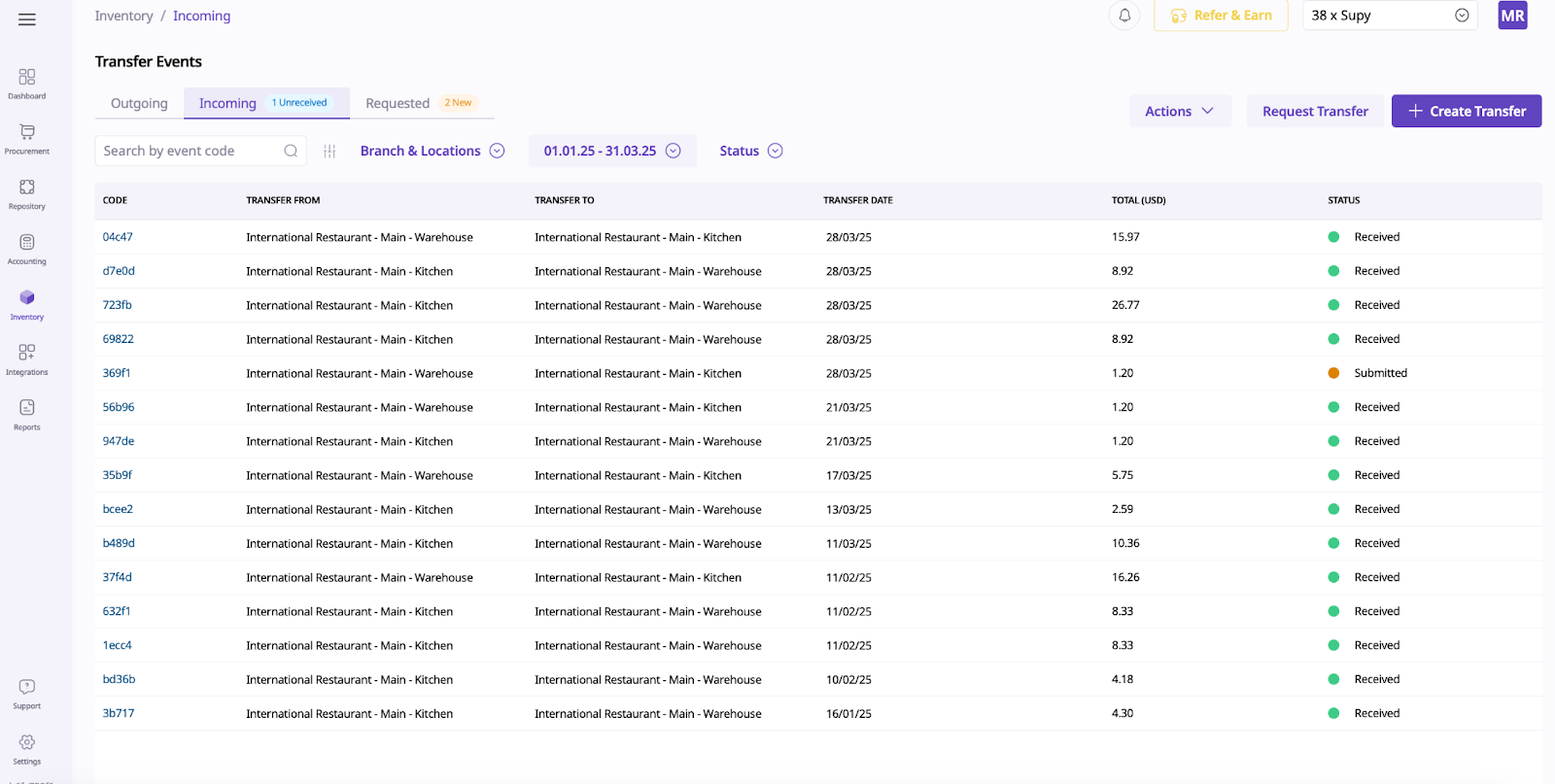
6. You can then select Receive.