As a restaurant inventory system, Supy's cost calculations focus primarily on the cost of consumables throughout the food preparation and serving process. By default, the cost of such consumption is considered as "cost of goods sold" or in short "COGS". However, some accounting and financial analysis practices require to distinctly regard the cost of certain specific consumption which are then categorized as "Expense" instead of "COGS".
Below are a few common examples from the food industry:
The regular consumption of ingredients for preparing food for clients is considered as "COGS" but if the food is prepared for restaurant management and staff, it is considered separately, as "expense"
When giving away free food items for the purpose of marketing/branding/promotions, it is considered as "expense"
When preparing a burger, all regular ingredients for the burger are considered as "COGS" but the packaging material are considered as "expense" when used in this specific burger recipe
Cleaning consumables (e.g. chemicals) are always considered as "expense".
There are three ways to mark consumption as expense in Supy's platform:
Base item as expense
In the item detail page, you can flag an item as "Doesn't affect COGS" which practically flags it as an expense. When enabled, the consumption of this item will always be flagged as an expense.
Wastage type as expense
When creating a wastage type, you can flag it as "Expense". Any wastage event created with this wastage type will be flagged entirely as expense, regardless of the selected ingredients / recipes inside this wastage event.
Ingredient consumption in recipe as expense
Any ingredient inside the recipe grid can be flagged as "Included in Cost"; by default it is included. When this checkbox is disabled, then the consumption cost of this specific ingredient in this specific recipe will be flagged as "Expense".
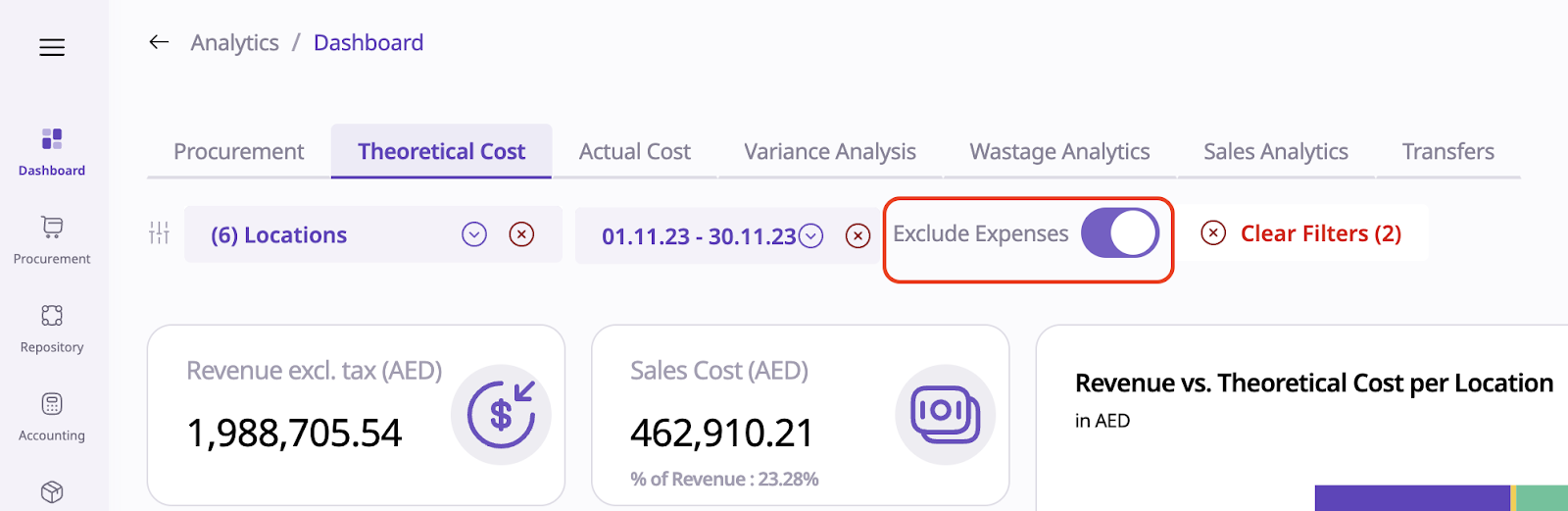
The cost dashboards exclude expense cost by default. When disabling this "Exclude Expense" toggle, the expense cost will be included along with the COGS.
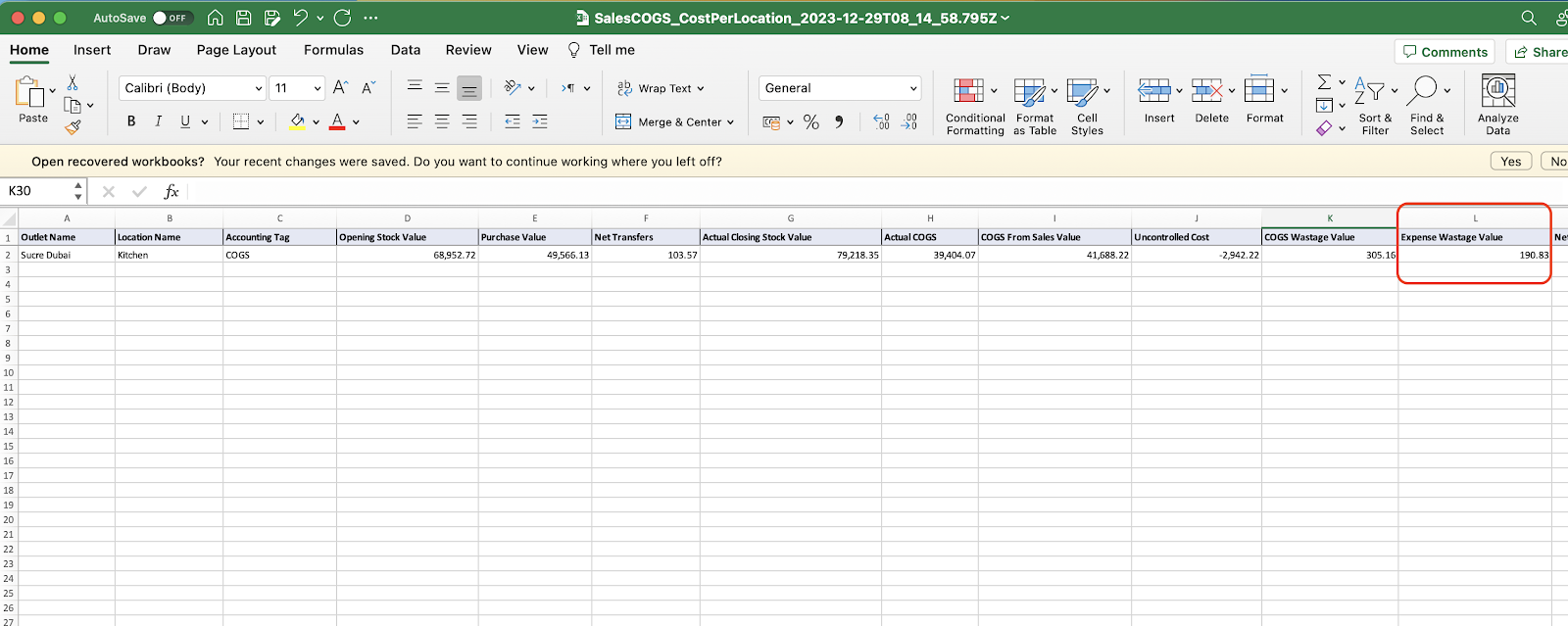
The cost reports will show the COGS and expense costs over separate tabs and columns; e.g. below: